

Ever Had a Long ChatGPT Conversation Suddenly Stop?
Hello from ChickenBanana Lab! 👋 It happened to me today. Whether you're developing a program, brainstorming ideas, or drafting a long article, you might have run into a moment where ChatGPT stops responding or shows a message like "You've reached the maximum length for this conversation." It can be frustrating when the flow of a productive conversation is cut off. This isn't a service error, but a natural occurrence caused by the limit on how much a conversation ChatGPT can 'remember' at one time, a feature known as the 'Context Window.'
So, How Long Can a ChatGPT Conversation Actually Be?
Many people think the limit is based on the number of characters or messages, but ChatGPT's conversation length is measured in 'tokens.' A token is the basic unit AI uses to understand language. For English, a token is often a part of a word. For example, 'Hello, ChatGPT' might be calculated as about 3 tokens.
The important thing to note is that this token limit varies depending on the model you are using. Newer models have a much larger context window, meaning they can remember and process a larger number of tokens at once.
| Model Name | Maximum Context Window (Tokens) | Notes |
|---|---|---|
| GPT-4o | 128,000 | As one of the most advanced models, it can process the equivalent of about 300 pages of a book at once. |
| GPT-4 Turbo | 128,000 | Offers the same large context window as GPT-4o. |
| GPT-4 | 8,192 to 32,768 | The limit varies by version, with earlier GPT-4 models having a relatively smaller context window. |
It's worth noting that even when using a model like GPT-4o, free users may experience lower limits, while users on paid plans can leverage the full, larger context window.
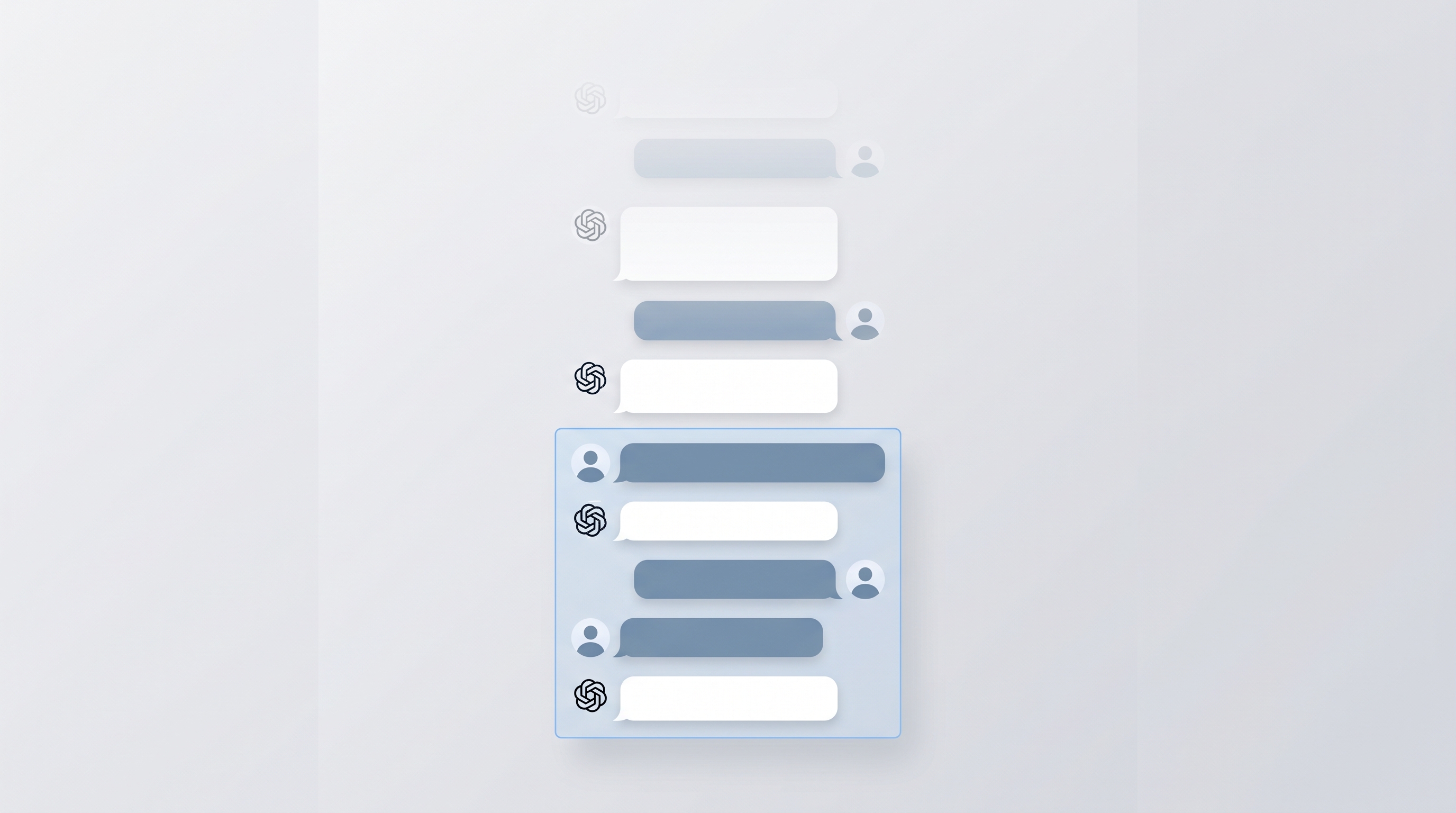
The 'Context Window' is the scope of conversation that ChatGPT can remember.
Smart Solutions for When Your Conversation Gets Too Long
When you hit the conversation length limit, the simplest solution is to 'Start a new chat.' However, if you want to continue with the important context from the previous discussion, here are a few tricks.
- Summarize and start a new conversation: Before closing a long chat, ask it: "Summarize the key points of our conversation so far." Copy that summary, paste it into a new chat window, and continue the conversation. This is a great way to maintain context.
- Separate chats by topic: Instead of discussing multiple topics in one chat, try creating separate chats for 'Blog Post Ideas,' 'Code Analysis,' etc. This reduces the memory load and leads to more stable performance.
- Use the 'Branch' feature (Paid Users): Some interfaces offer a 'Branch in a new chat' feature on specific replies before you hit the limit. Using this allows you to start a new chat that carries over all the context up to that point.

For long conversations, summarize the content and then start a new chat.
A Word of Caution for Long Chats: Even AI 'Forgets'
Even with a large context window, the AI doesn't perfectly remember every detail from the beginning of a conversation. As a discussion becomes longer and more complex, it can miss specific details from earlier messages or misinterpret the overall context. If you feel the performance degrading, it's a good idea to summarize and start fresh using the methods above, even before you hit the hard limit.
Frequently Asked Questions
Is the paid version of ChatGPT unlimited?
No, paid versions (like Plus, Team, etc.) also have a token limit based on the model's context window. However, they provide access to high-performance models like GPT-4o with much larger context windows, which allows for significantly longer conversations than the free version.
Can I check how long my conversation is (in tokens)?
Unfortunately, the current ChatGPT interface does not have a feature to show real-time token usage. You can generally assume you're nearing the limit if responses become slow or errors occur.
If I get a length limit error, is my previous conversation lost?
No, the previous conversation is saved in your account's chat history. You just can't continue that specific chat thread. You can still view and copy the content. It's a good habit to summarize and back up important information before it's too late.
In conclusion, it's best to see ChatGPT's conversation limit not as an annoying restriction, but as a guideline for using the AI efficiently. The key is to get into the habit of summarizing your progress and starting new, topic-focused conversations rather than trying to continue a single chat indefinitely. This will help you get the best performance from your AI assistant every time.