
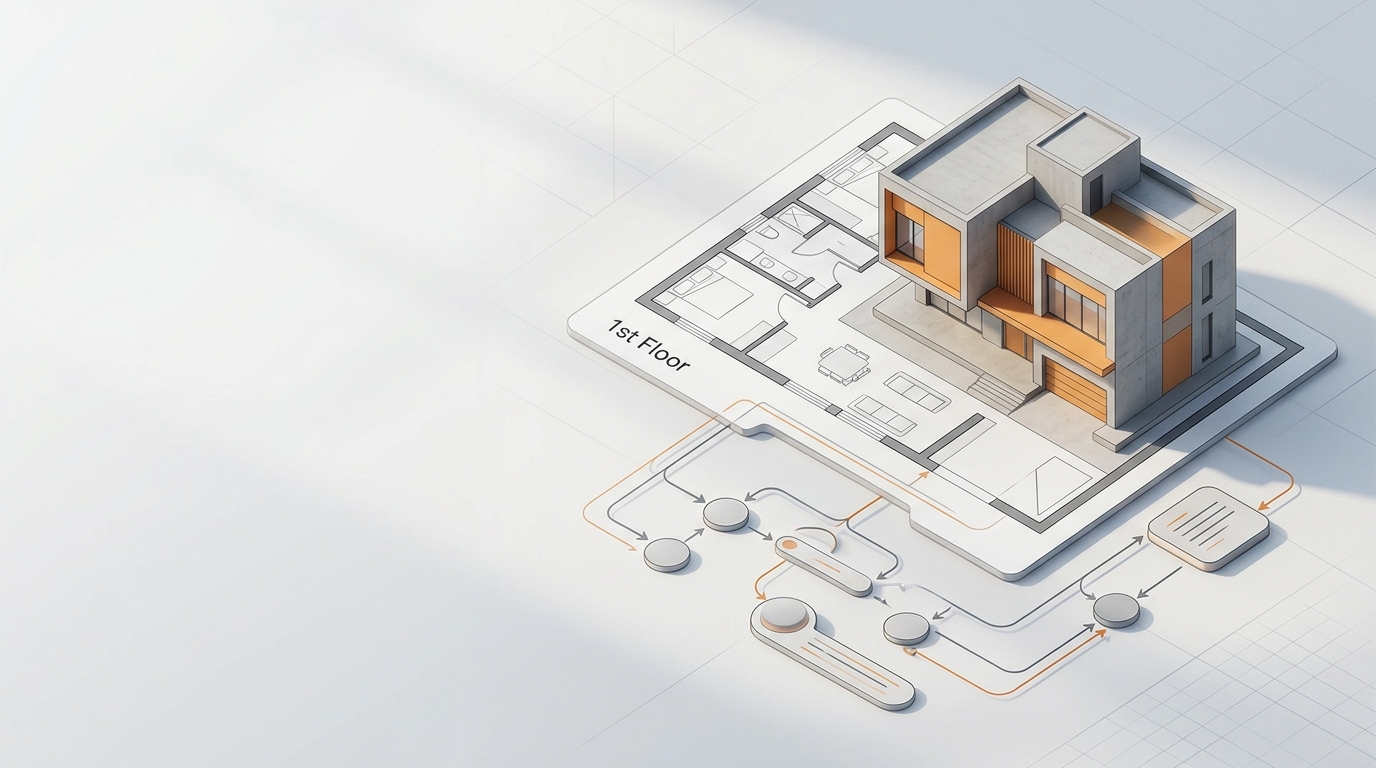
In the architecture and construction world, juggling countless drawings, documents, and revisions used to be the norm. This often led to delays, miscommunication, and costly reworks on site. If you've ever felt overwhelmed by repetitive tasks or the constant need to double-check information across different platforms, you're not alone. The good news is, technology has a powerful answer: BIM Workflow Automation. This isn't just about using fancy software; it's about fundamentally changing how we approach projects to make them smarter and more efficient.
Simply put, BIM Workflow Automation is about using digital tools to automate repetitive and time-consuming tasks within the Building Information Modeling (BIM) process. This means everything from generating detailed models and documentation to managing data and coordinating between different teams can be streamlined. The goal? To simplify complex modeling processes, enhance collaboration, reduce errors, and ultimately accelerate project timelines, allowing teams to focus on value-added activities like design innovation and decision-making.
Why BIM Workflow Automation is a Game Changer for Architects
For those of us working on the ground, the benefits of automating BIM workflows are clear. It's about working smarter, not harder. Here’s why it’s so important:
- Increased Efficiency: Manual BIM tasks are incredibly time-consuming. Automation drastically cuts down the hours spent on repetitive work, freeing up architects and engineers for more valuable design tasks. For example, automated tools can reduce documentation time by a significant margin, potentially saving hundreds of hours on a project.
- Improved Accuracy and Consistency: Human error is inevitable, especially with complex data entry and model updates. Automated processes minimize these errors, ensuring models, data, and documentation are precise and consistent across all project phases. This also helps maintain quality and standardization, which can be hard to achieve manually.
- Enhanced Collaboration: Automation tools facilitate seamless coordination among all project stakeholders—architects, engineers, contractors, and even facility managers. By centralizing design data and streamlining processes, team members can easily access and share information, leading to better communication and a more cohesive final product.
- Cost and Time Savings: Faster, error-free processes mean less rework and fewer delays, saving valuable time and resources throughout the entire construction lifecycle. Early detection of clashes, for instance, prevents costly changes during construction. Research suggests BIM-based quantity take-offs can be up to 80% faster than traditional methods, and early issue identification can lead to significant cost savings.
Key Areas to Look at for BIM Workflow Automation
When thinking about bringing automation into your BIM process, it's helpful to consider where it can make the biggest impact. It’s not a one-size-fits-all solution, so identifying your specific pain points is the first step.
Identifying Repetitive Tasks for Automation
Take a moment to think about the tasks that consistently take up a lot of your team's time. These are often prime candidates for automation. Common areas include:
- Data Entry and Model Updates: Regularly updating parameters, modifying elements, or entering data across different parts of a model.
- Documentation Generation: Creating sheets, views, schedules, and annotations. Automation can significantly speed up the production of complete drawing sets from coordinated models.
- Clash Detection and Resolution: Automatically identifying conflicts between different building elements (e.g., structural beams and HVAC ducts). This is a huge time-saver compared to manual checks.
- Quantity Take-offs and Cost Estimation: Extracting quantities and generating material take-offs directly from the BIM model. The software can update estimations as the model changes, providing real-time cost data.
- Model Health and Quality Assurance: Checking models for consistency, compliance with standards, and overall data integrity.

BIM 자동화는 설계부터 시공까지 전 과정의 효율을 높입니다.
Essential Tools and Platforms for Automation
The BIM software landscape is constantly evolving, with many tools designed to help automate workflows. In 2026, you'll find a range of options, from core modeling software to specialized automation tools.
| Tool/Platform | Primary Function for Automation | Notes for Practitioners |
|---|---|---|
| Autodesk Revit | Core BIM modeling, data management, documentation. Often integrates with automation tools. | Widely used; powerful but requires standards and trained teams. Can be slow on large projects without good model control. |
| Autodesk Dynamo for Revit | Custom scripting and visual programming for tailored automation within Revit. | Excellent for solving firm-specific problems; requires skilled BIM staff but offers great flexibility. |
| Autodesk Navisworks Manage | Clash detection, coordination, and project review. Essential for bringing models together and running tests. | Not for modeling, but crucial for review and coordination meetings. |
| Autodesk Construction Cloud (ACC) / BIM 360 | Cloud-based platform for collaboration, file sharing, issue tracking, and version control. | Facilitates real-time collaboration and information sharing from any location. |
| TestFit | Generative design for creating automated design options based on constraints. | Useful for quickly testing feasibility and generating design variations early in a project. |
| Solibri Office | Model checking and quality control. | Helps validate model geometry, spatial accuracy, and completeness proactively. |
Things You Might Overlook in BIM Automation
While the benefits are compelling, implementing BIM automation isn't always a smooth road. From a practical standpoint, there are a few things that often get overlooked:
The Human Element: Training and Resistance to Change
It's easy to get excited about new technology, but people are at the heart of any workflow. Resistance to change is a common challenge in our industry, as teams naturally prefer to stick with tools they're comfortable with. Investing in training isn't just about learning software; it's about helping your team understand the 'why' behind the automation and how it will ultimately make their jobs easier and more fulfilling. Without proper training, even the best tools can lead to poor quality modeling and frustration.
Standardization and Interoperability
BIM automation thrives on consistency. If your internal processes lack standardization—from naming conventions to how data is structured—automation efforts can quickly hit a wall. Furthermore, dealing with multiple teams using different tools and file formats can lead to interoperability issues and data loss during transfers. It’s crucial to establish a BIM Execution Plan (BEP) that outlines project-specific goals, workflows, and conventions to ensure everyone is on the same page.
Starting Small and Scaling Up
Trying to automate everything at once can be overwhelming and counterproductive. Instead, consider starting with smaller, well-defined tasks that offer clear, immediate benefits. Once those processes are refined and your team gains confidence, you can gradually expand your automation efforts. This phased approach allows for smoother integration and less disruption to ongoing projects. Analyzing your existing workflow to identify repetitive tasks that are suitable for automation is a crucial first step.
Frequently Asked Questions
What are the biggest challenges when implementing BIM workflow automation?
One of the biggest hurdles is often stakeholder resistance to change, alongside the initial costs of software and training. Beyond that, ensuring seamless data management and achieving good interoperability between different software tools can be complex. You also need to consider if your team has the necessary in-house skills, or if you need external support.
Can BIM automation help with clash detection in complex projects?
Absolutely! BIM automation significantly streamlines clash detection. By combining models from different disciplines (architectural, structural, MEP), the software can automatically identify conflicts, saving considerable time and reducing errors that would occur with manual checks. This proactive approach helps avoid costly rework during construction.
How does BIM automation impact project timelines and costs?
BIM automation generally leads to reduced project timelines and costs by increasing efficiency and minimizing errors. Tasks like documentation and quantity take-offs can be completed much faster. Early identification and resolution of design issues through automation also prevent expensive changes and delays later in the construction phase.
What role does AI play in BIM workflow automation today?
AI is becoming increasingly integrated into BIM workflows. In 2026, AI-driven tools are automating repetitive tasks like clash detection and model validation with greater precision, helping teams identify coordination issues earlier. AI can also assist in generative design, code compliance checks, and structuring large amounts of BIM data, allowing for smarter and faster decision-making.
Bringing It All Together: A Smarter Way to Build
BIM workflow automation isn't just a buzzword; it's a practical approach that's reshaping how architectural and construction projects are designed, managed, and executed. By embracing these automated processes, we can move beyond the tedious, error-prone tasks that used to dominate our days and instead focus on what truly matters: innovative design, efficient problem-solving, and delivering high-quality buildings. It's about empowering project teams to work more effectively, collaborate seamlessly, and ultimately, build better.